Registration and sign-in
Register an account and switch between personal and team spaces.
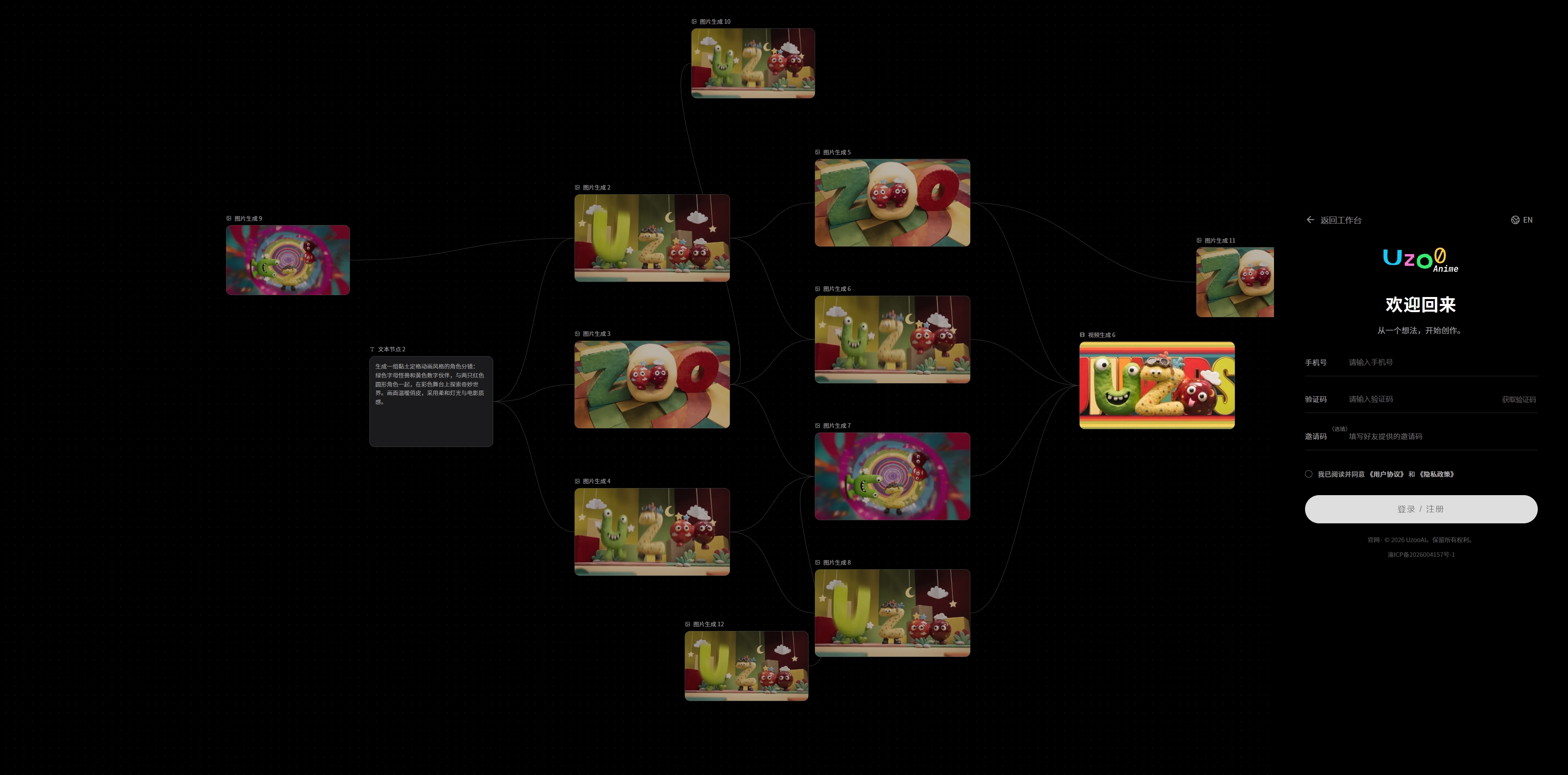
1. Register & sign in
- Open the platform homepage at https://uzooai.com
- Click [Get started/Start creating].
- Enter your phone number.
- Request a verification code.
- Complete registration/sign-in.
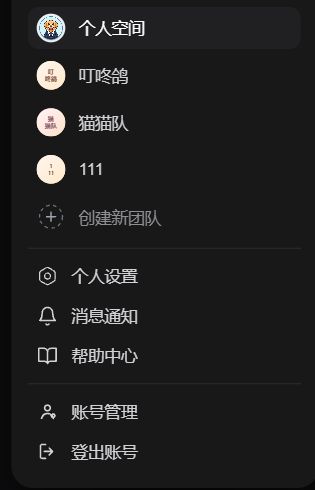
2. Personal and team spaces
Click your avatar in the upper-right corner to switch between your personal space and a team space.
Scroll horizontally to view the table
| Space | Contents |
|---|---|
| Personal space | Personal projects and credits, isolated from other users |
| Team space | Team projects and credits; shared assets available to team members |
Note:
Personal and team space data are completely separate and are not shared.
Switching spaces refreshes the workspace, projects, and asset library.
To participate in a team project, wait for an administrator to share an invitation link, then open it to join the team.