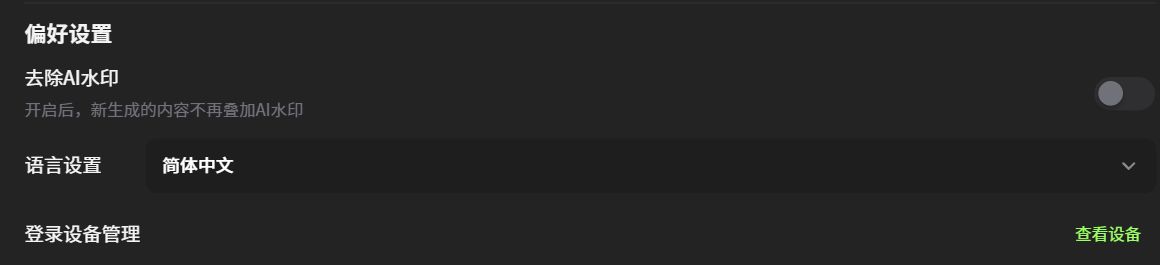
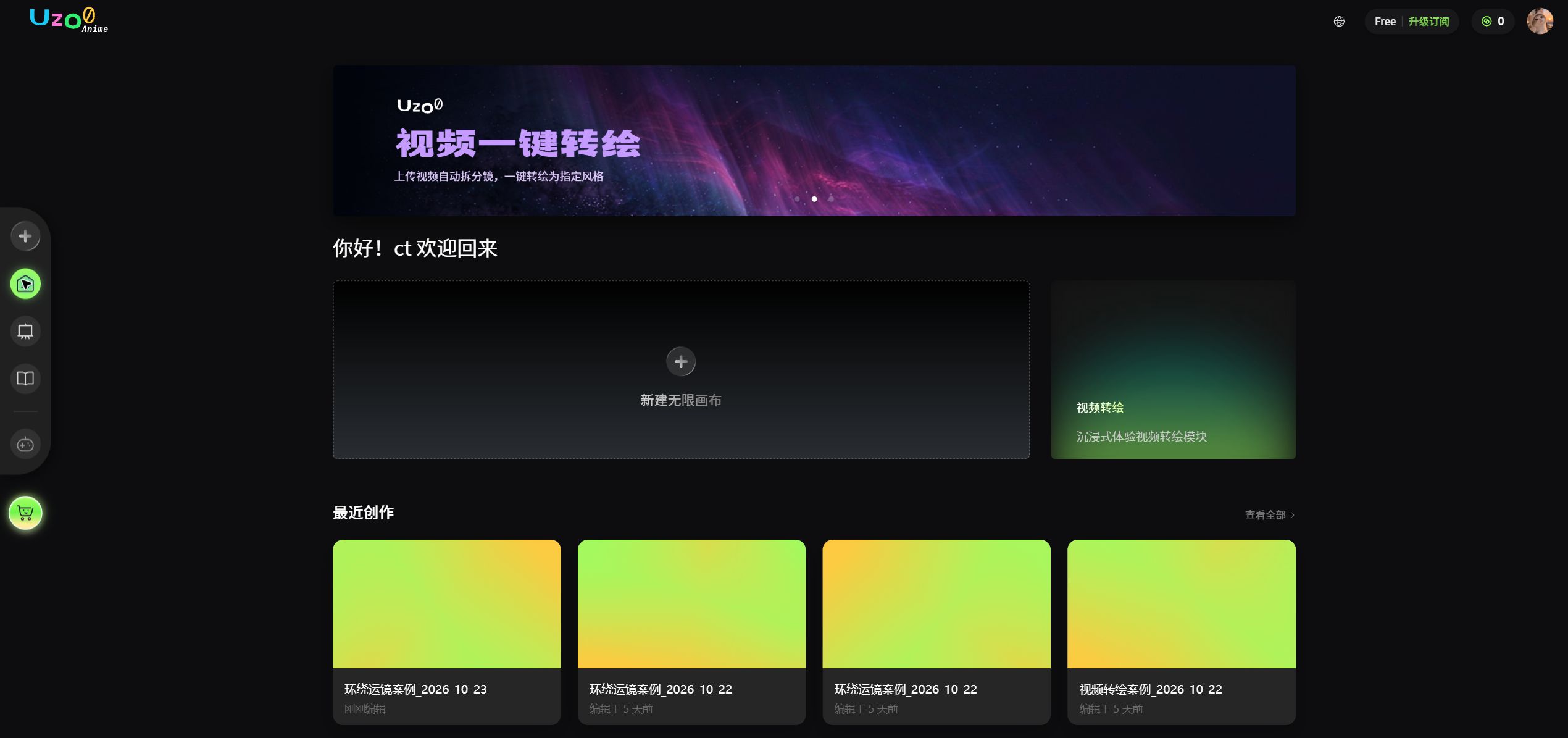
Home and workspace
The main page shown after sign-in brings together creation entry points, recent projects, and quick tools.
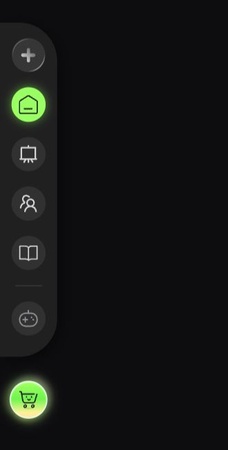
1. Left: global navigation sidebar
Icon shortcuts to the core platform modules let you quickly switch between the workspace, projects, members, documentation, orders, and top-ups.
2. Right: top navigation entry points
From left to right:
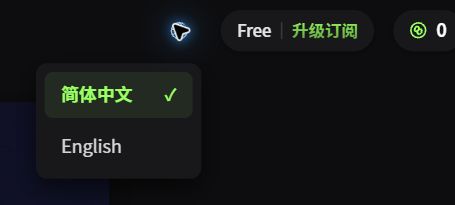
2.1 Language selection
Switch the platform display language between [Simplified Chinese] and [English].
2.2 View subscription
- In your personal space, personal benefits are displayed in three tiers: Free, Creator, and Pro.
- In a team space, team benefits are displayed according to the team plan.
- There are currently no official team plans; all team spaces display the Beta version.
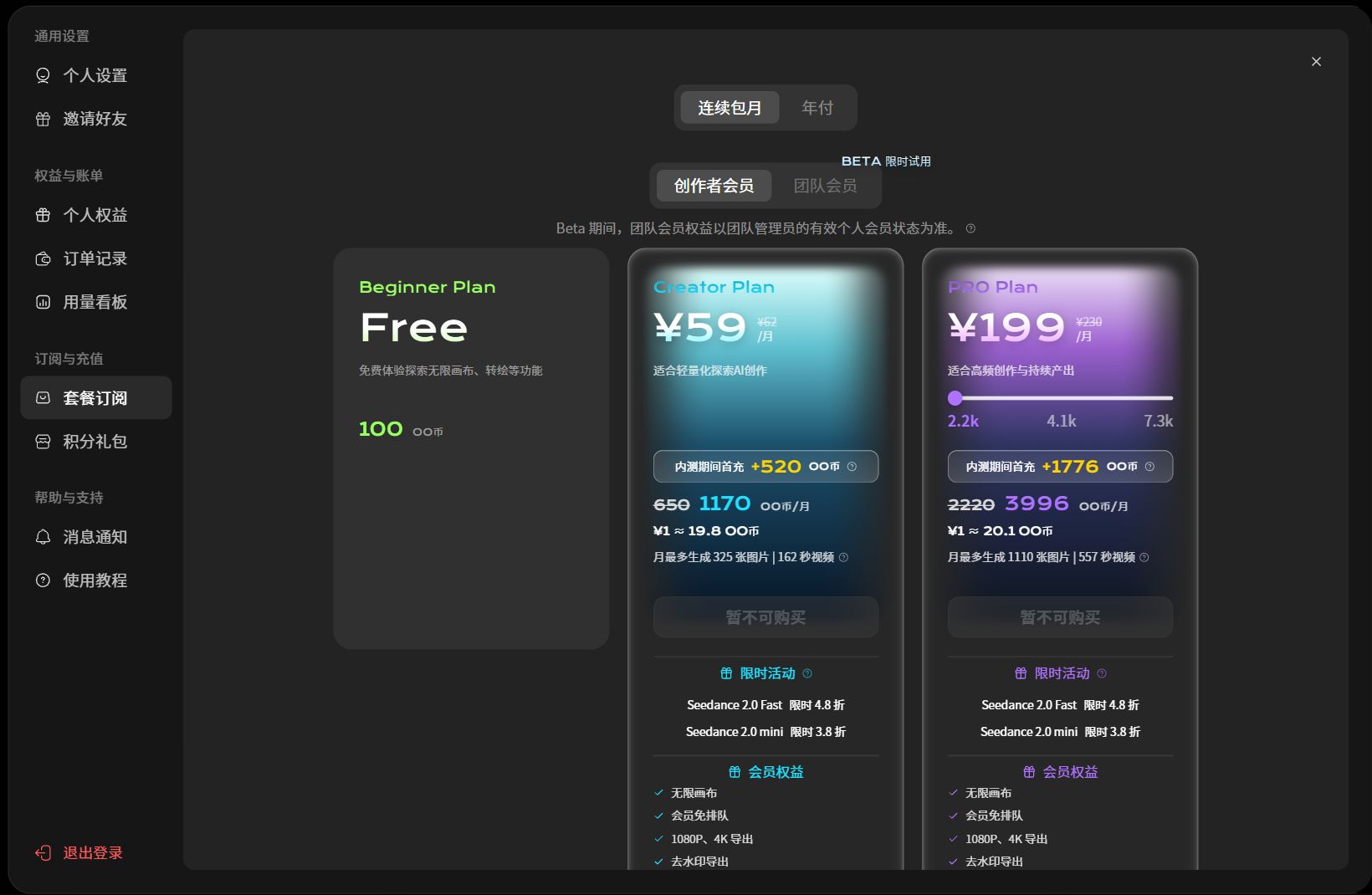
2.3 OO Coin balance
- The number shows your remaining OO Coins.
- Click it to open the credit package top-up screen. Packages are valid for 365 days.
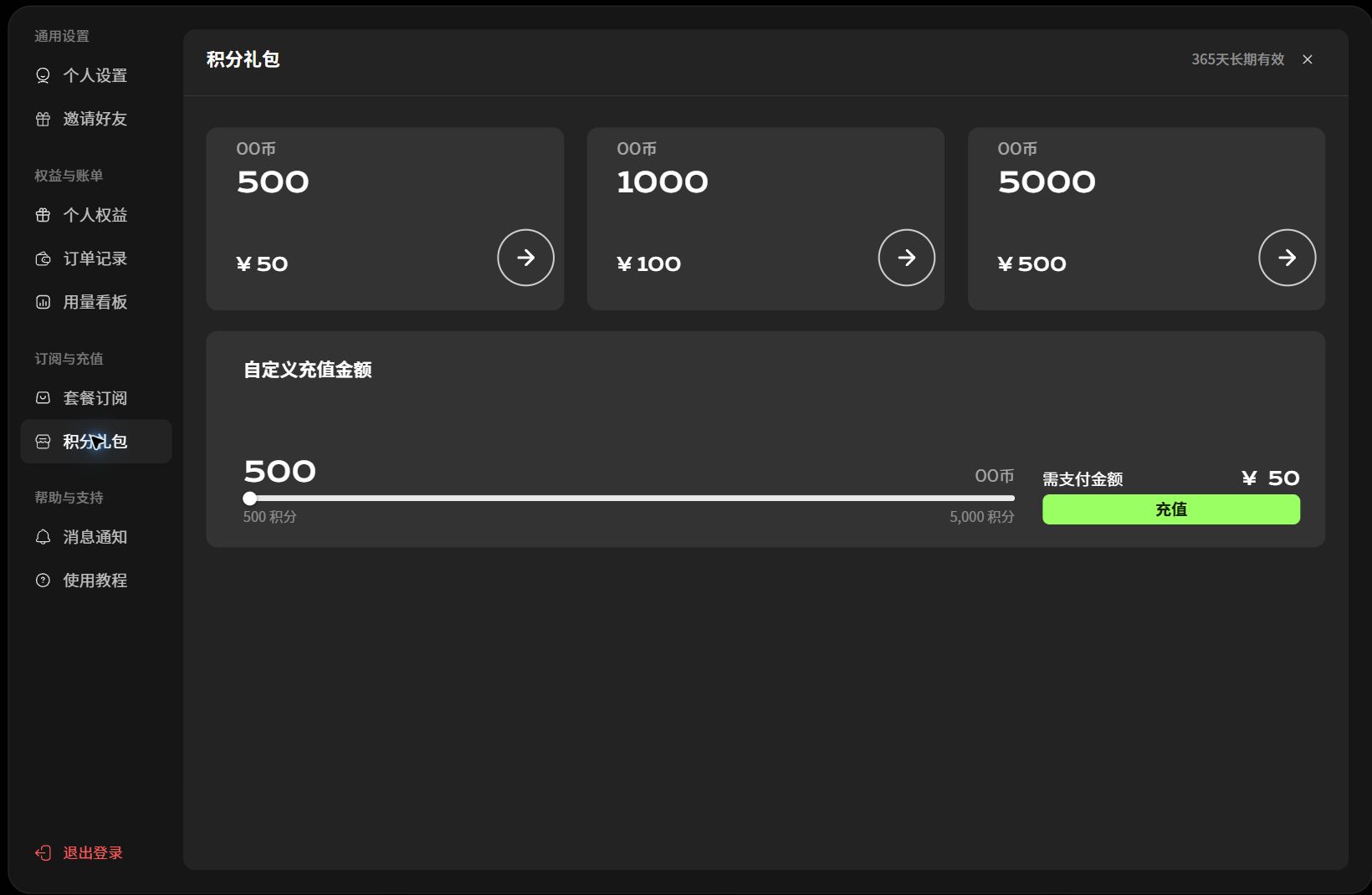
2.4 Avatar
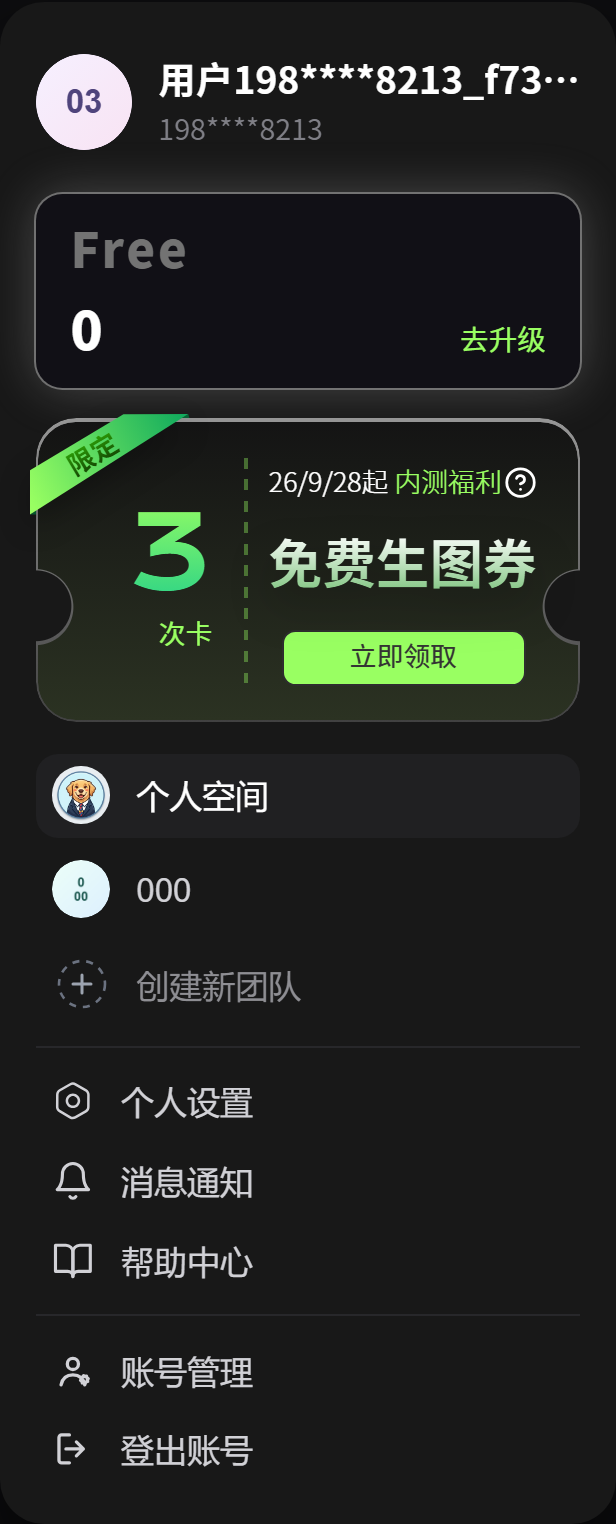
Click the avatar to display the signed-in user's avatar, account name, and masked phone number. The cards below show the account version, remaining OO Coins, and membership tier, and allow switching between personal and team spaces.
- Personal space: open your personal creation resource management page.
- Team space: enter team creation, continue production, or open an assigned project.
- Create new team: create a team and invite members to collaborate on projects.
- Personal settings: update your basic profile and related preferences.
- Notifications: configure message delivery rules and notification settings.
- Help center: open platform documentation, the feedback center, and FAQ guidance.
- Account management: manage account security and linked information.
- Sign out: leave the current account and return to the sign-in page.
2.4.1 Remove AI watermarks
Click your avatar and enable the preference to confirm removal of AI watermarks.